AI Anime Image Generator
Create anime art from a prompt or turn your own photo into anime.
Start with an anime image
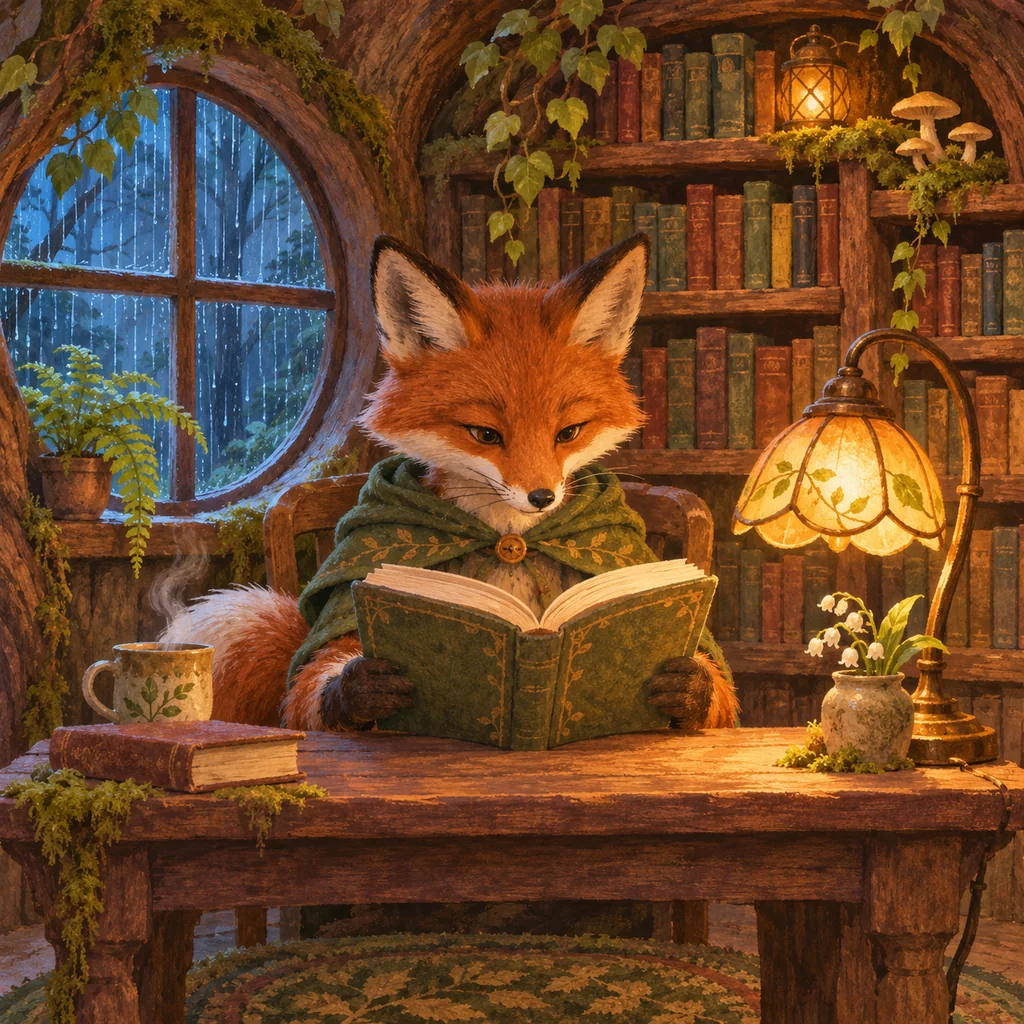
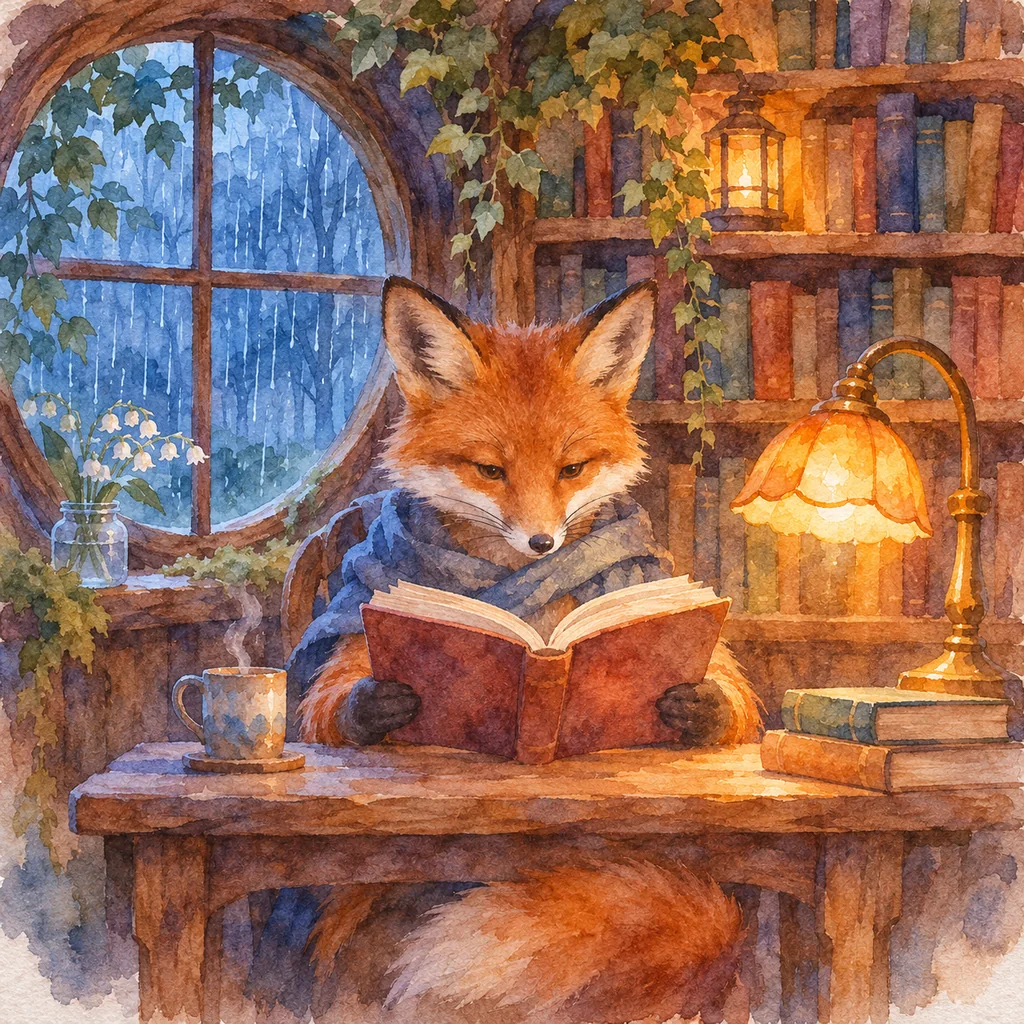
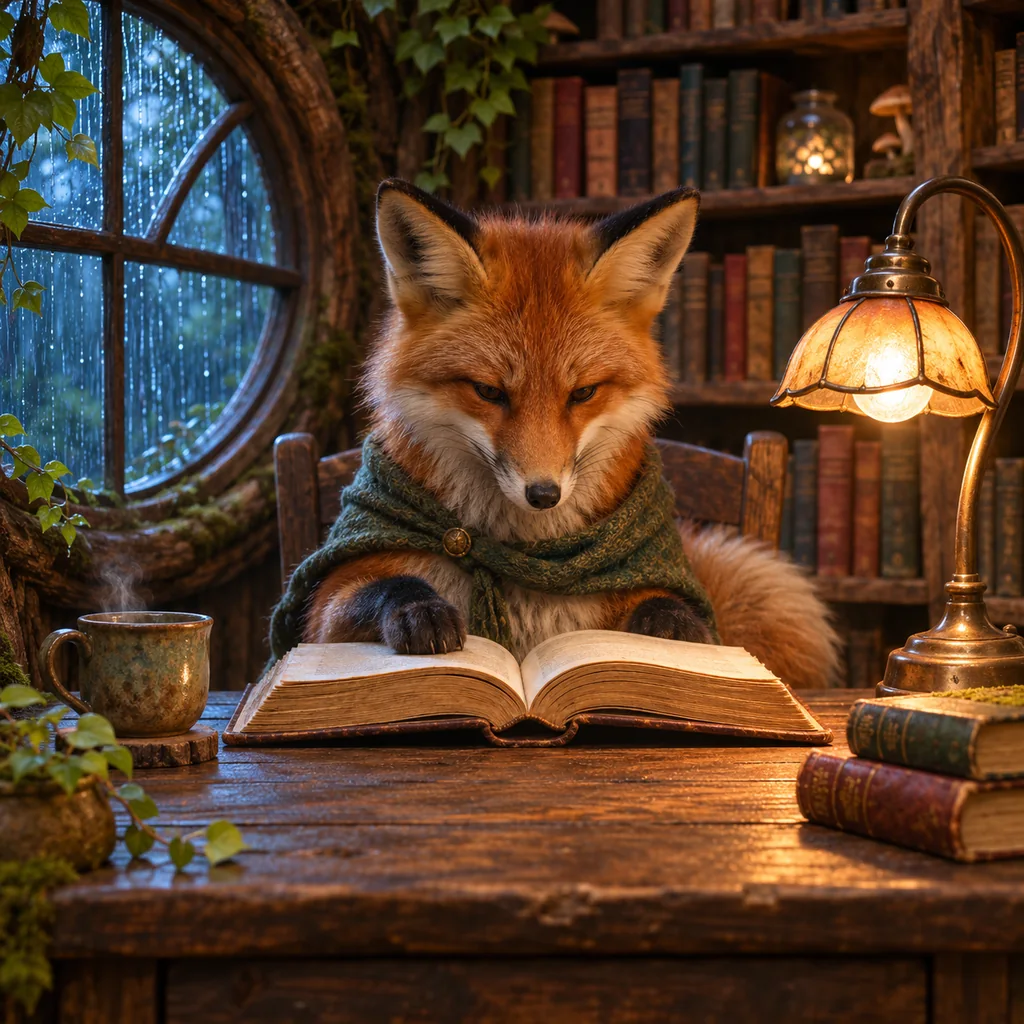
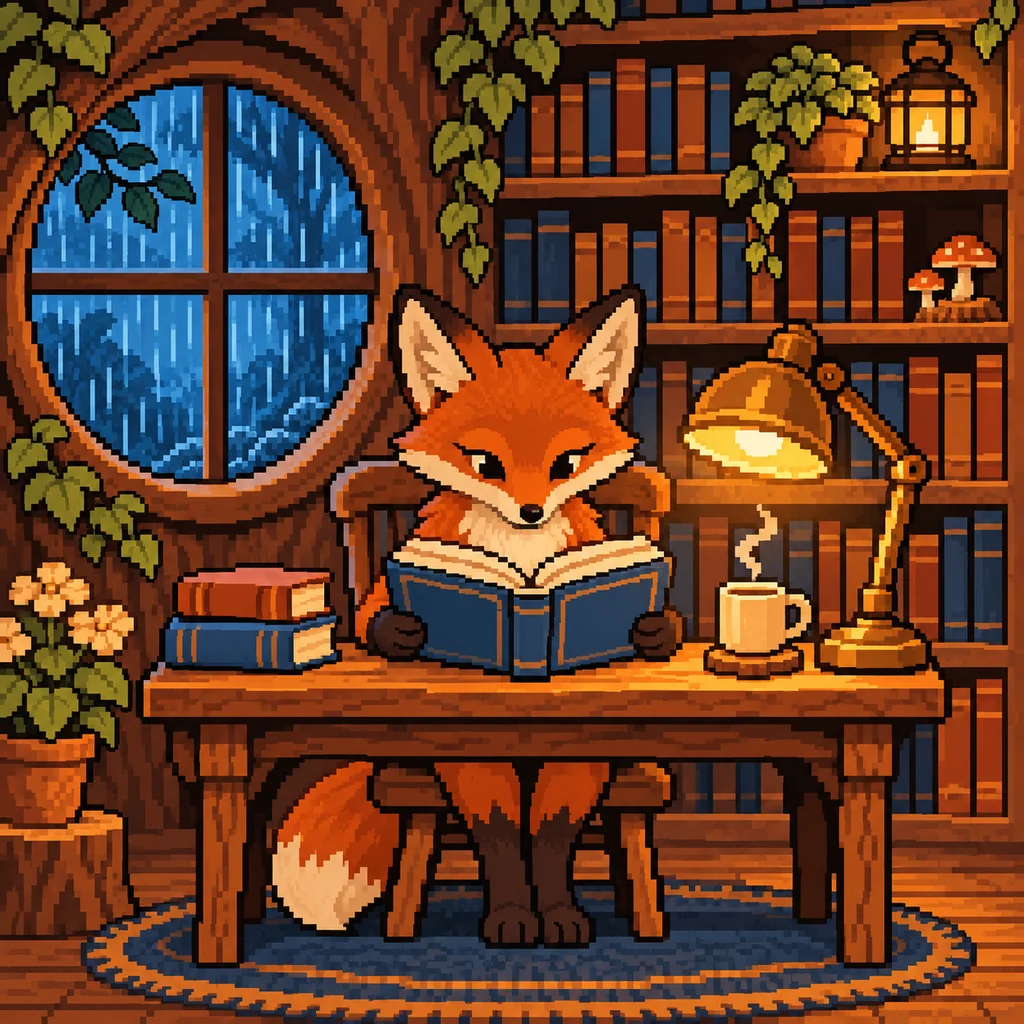
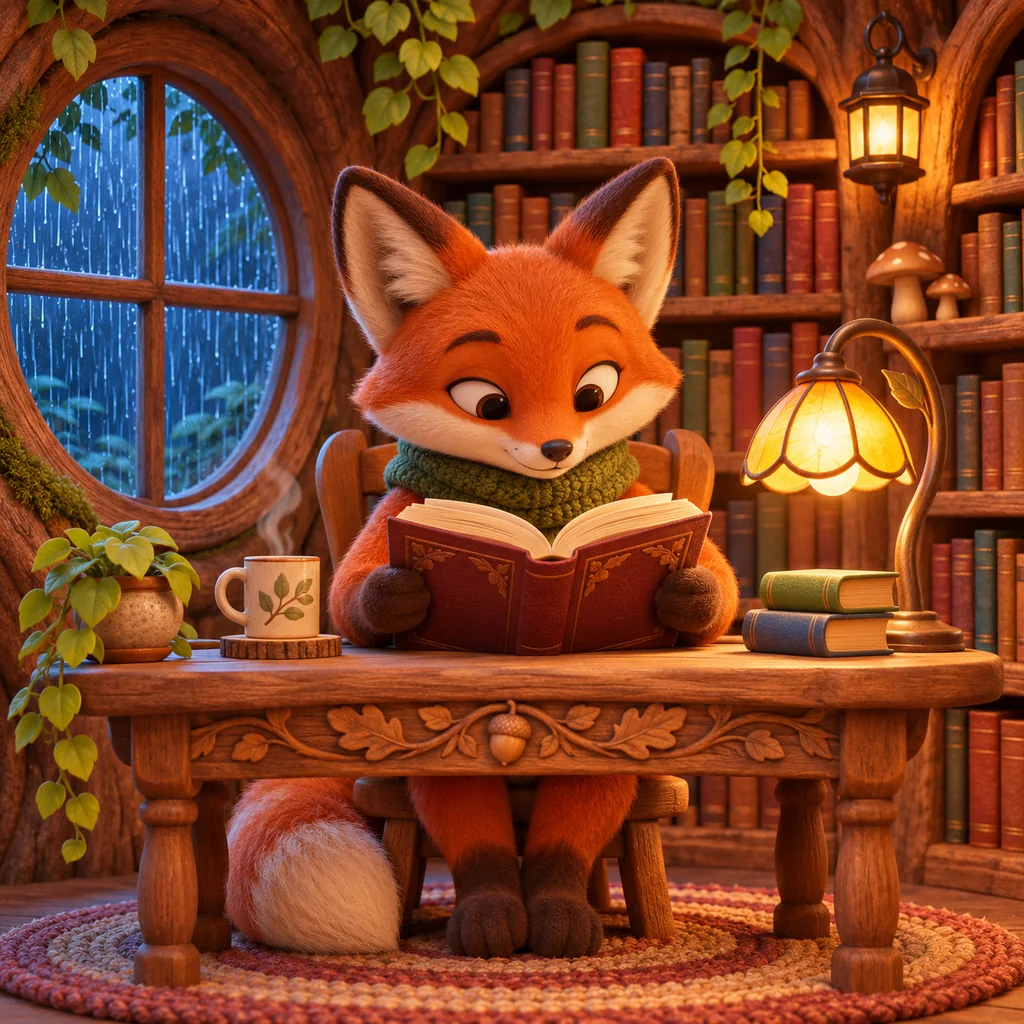
AI-generated examplesUse an example to load its original prompt. Change the character, setting or lighting before you generate.
A courier at a space station
A quiet seaside cafe
An evening commute in the rain
Try a different anime look
Load a prompt preset, then make the character and setting your own.
Black-and-white ink, expressive linework and screentone shading.
Turn your photo into anime
Start with a photo you have permission to edit. Describe the subject to keep and the anime look you want.
- Open Photo and add your image.
- Choose anime, then describe the scene and shading.
- Generate, review the details and download your image.
Faces and small details may change. Model availability and credit costs appear in the generator.
Simple pricing for every idea.
Subscribe for better value, or buy credits whenever you need.
Starter
$9.00 / month
$9.00 billed monthly · Automatically renews monthly
1,200 credits / month
1K · 3 credits / image
Creator
$19.00 / month
$19.00 billed monthly · Automatically renews monthly
3,000 credits / month
1K · 3 credits / image
Studio
$39.00 / month
$39.00 billed monthly · Automatically renews monthly
6,500 credits / month
1K · 3 credits / image
Anime AI generator questions
How do I create anime characters or scenes from text?
Choose Describe and write a subject, an action and a setting. For example: an adult space courier waiting at an orbital station, clean linework, soft cel shading. Use an example above to load a complete prompt, then replace the details with your own idea.
How do manga, chibi and retro anime styles differ?
Manga uses black-and-white ink and screentone shading. Chibi emphasizes a small body and an oversized head. A 90s retro prompt asks for hand-drawn cel animation, a muted palette and subtle grain. These presets change the prompt; the selected model determines the final result.
How do I turn my photo into anime?
Choose Photo, upload an image you have permission to edit and select anime. Describe which subject and scene to keep, then add the look you want, such as clean linework and cel shading. Review the result before downloading: faces, clothing and small details may change.
How can I improve the composition, hands or background?
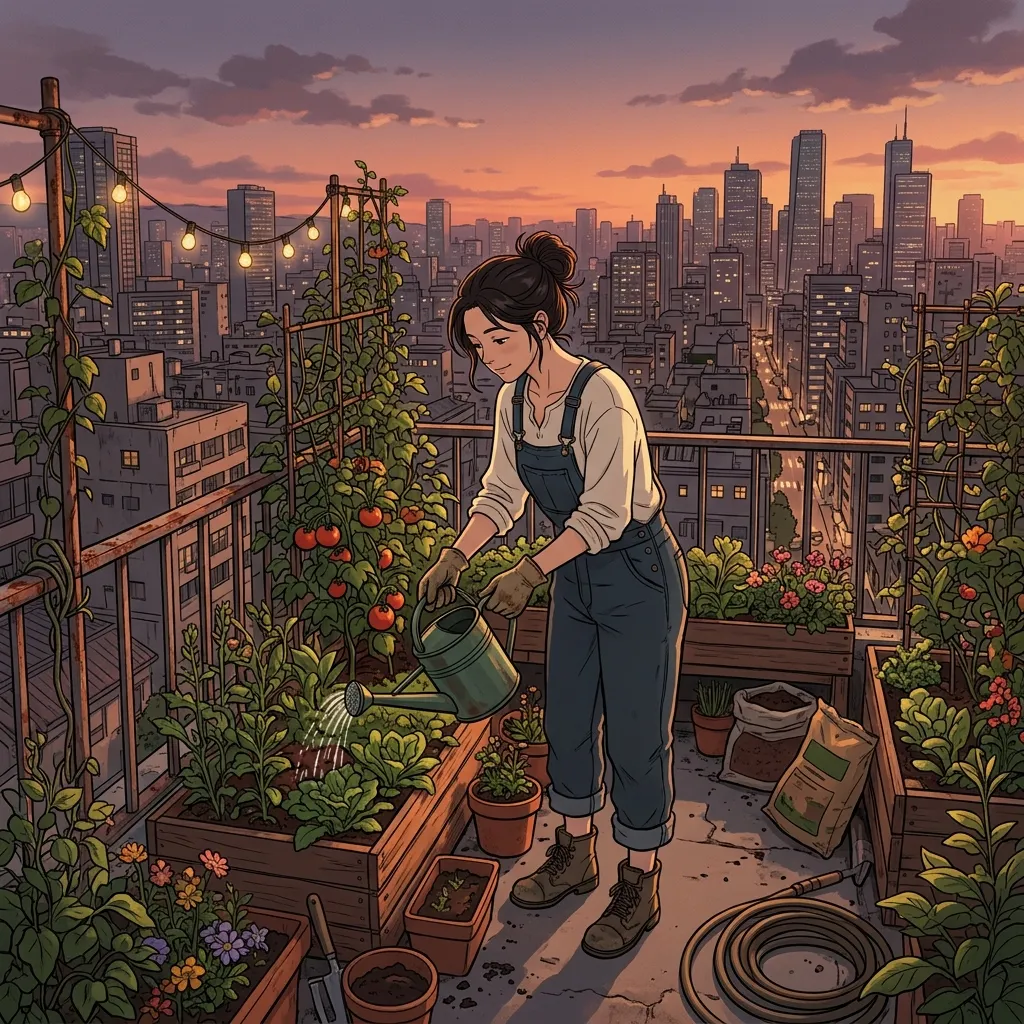
Start with one subject and a clear pose, such as an adult gardener holding a small watering can. Specify a simple background and a camera view. If a detail is wrong, simplify the pose or framing and try a revised prompt. Check hands, faces and text in every result; a prompt cannot guarantee perfect anatomy.
What is free, and which models can I use?
Models for this release: Nano Banana 2.1, Nano Banana 2, Nano Banana Pro, GPT Image 2.5, GPT Image 2, Seedream 5.0 Pro. Auto: GPT Image 2.5. Up to 1 free 1K image per IP per UTC day, no login; resets at 00:00 UTC. Shared networks and service limits apply. Check the generator for live availability; an unknown or failed check is not confirmation. Check the generator and pricing page for current paid availability.
Which photo formats and file sizes can I upload?
Choose Use my photo and upload a JPG, PNG or WebP image up to 10 MB. Only use photos you have permission to edit. See Privacy for how uploaded photos are handled. Privacy policy.
Where are my images saved?
This browser keeps your latest 20 history entries. Generated files and service records are retained for up to 7 days. Download images you want to keep.
Is this official, and can I publish the result?
ImageFX Pro is independent of Google and Studio Ghibli. Use original subjects and inputs you have permission to edit. AI may change faces and details; review results and provider terms before publishing. Commercial rights are not guaranteed.