Clear close-up of four family members
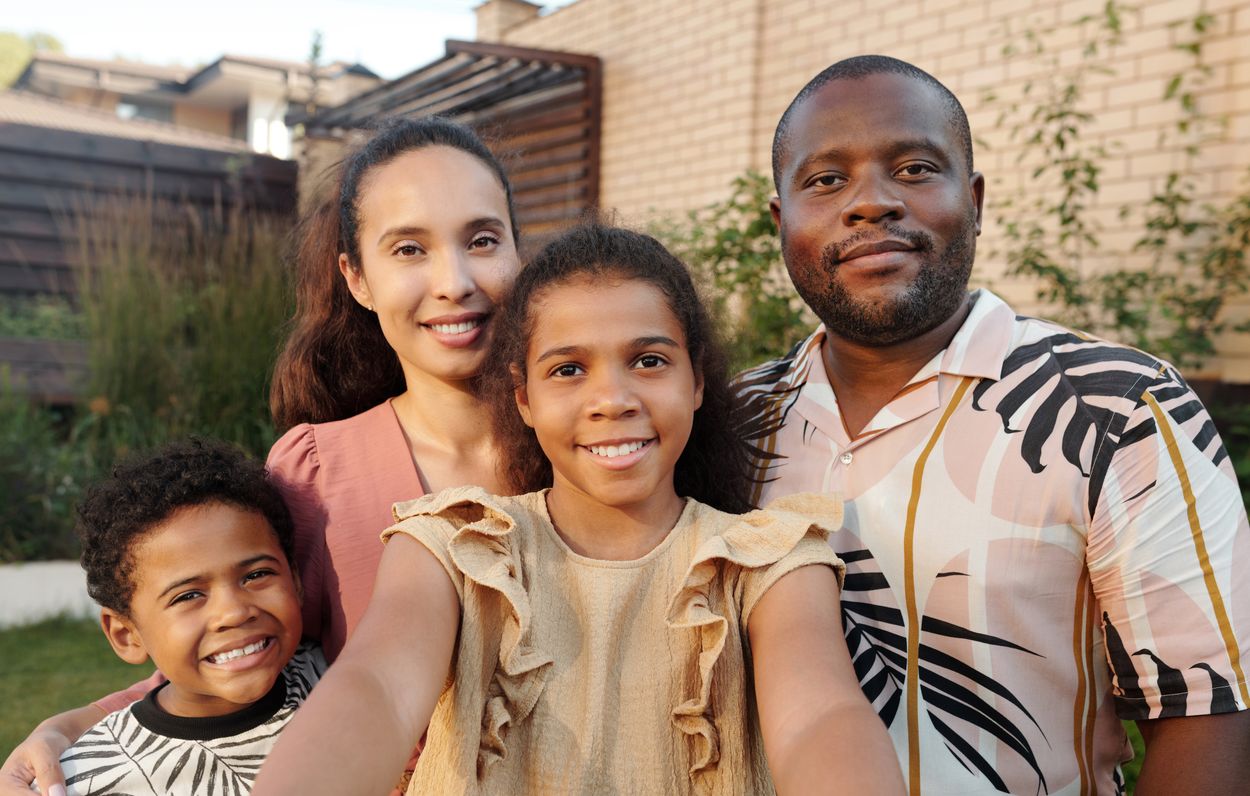
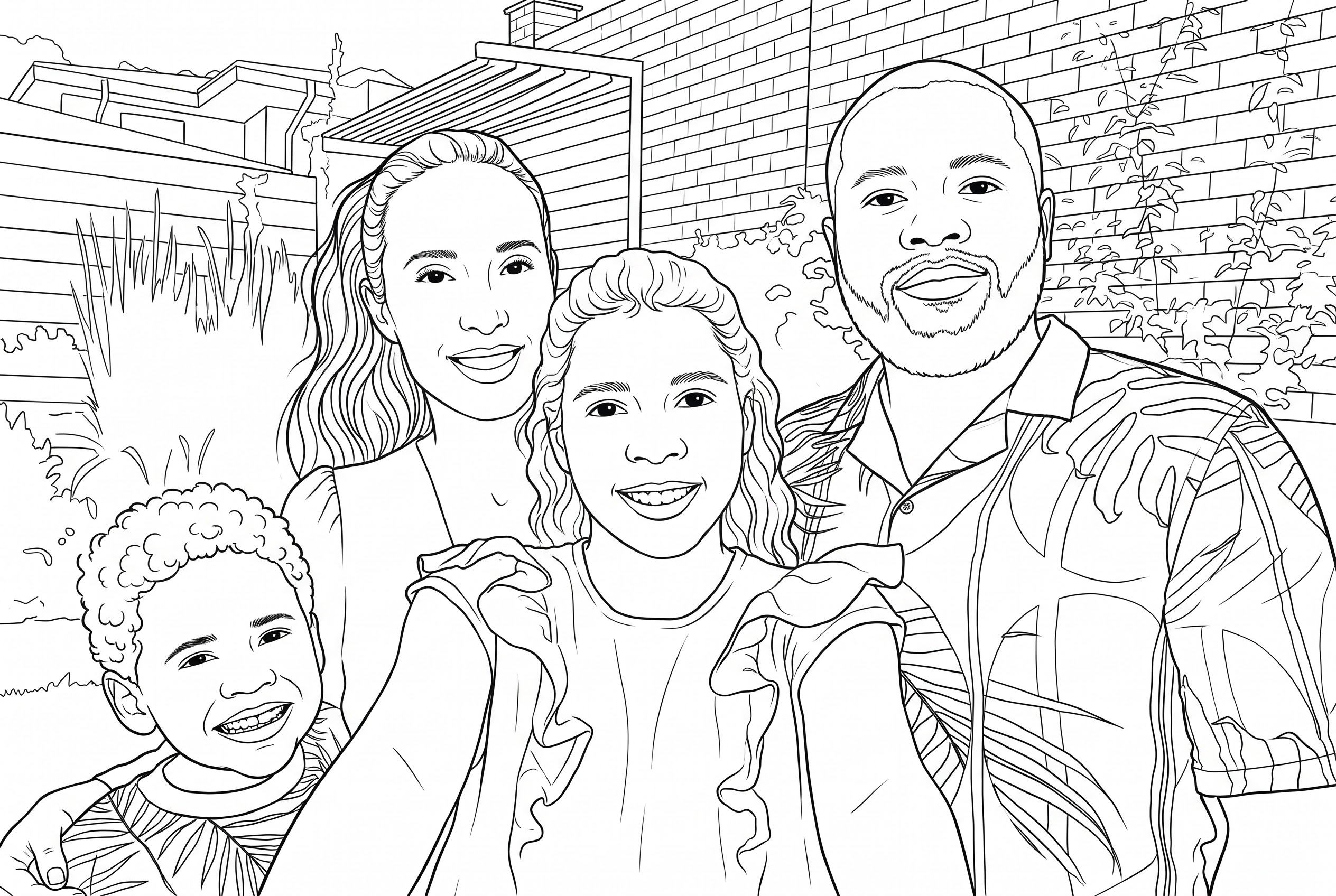
All four faces remained visible. The outlines redrew details around smiles and hair, and the brick wall still has many small areas to color.
Photo by Vanessa Loring via Pexels.
Download your coloring page as an A4 or Letter PDF.
We converted each photo once with Nano Banana 2.1 at 2K on November 20, 2026. Compare the uploaded photos with the saved results, then download the same line art on A4 or US Letter paper.
All four faces remained visible. The outlines redrew details around smiles and hair, and the brick wall still has many small areas to color.
Photo by Vanessa Loring via Pexels.
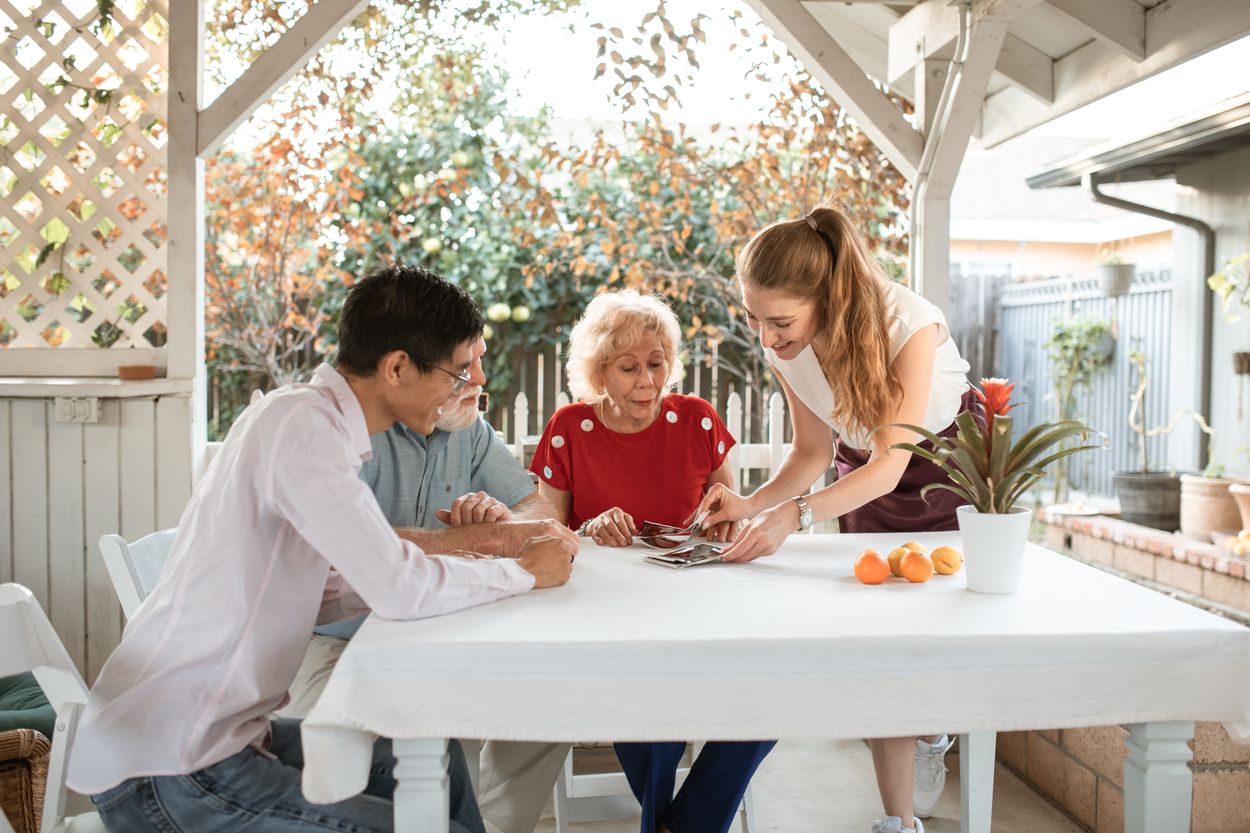
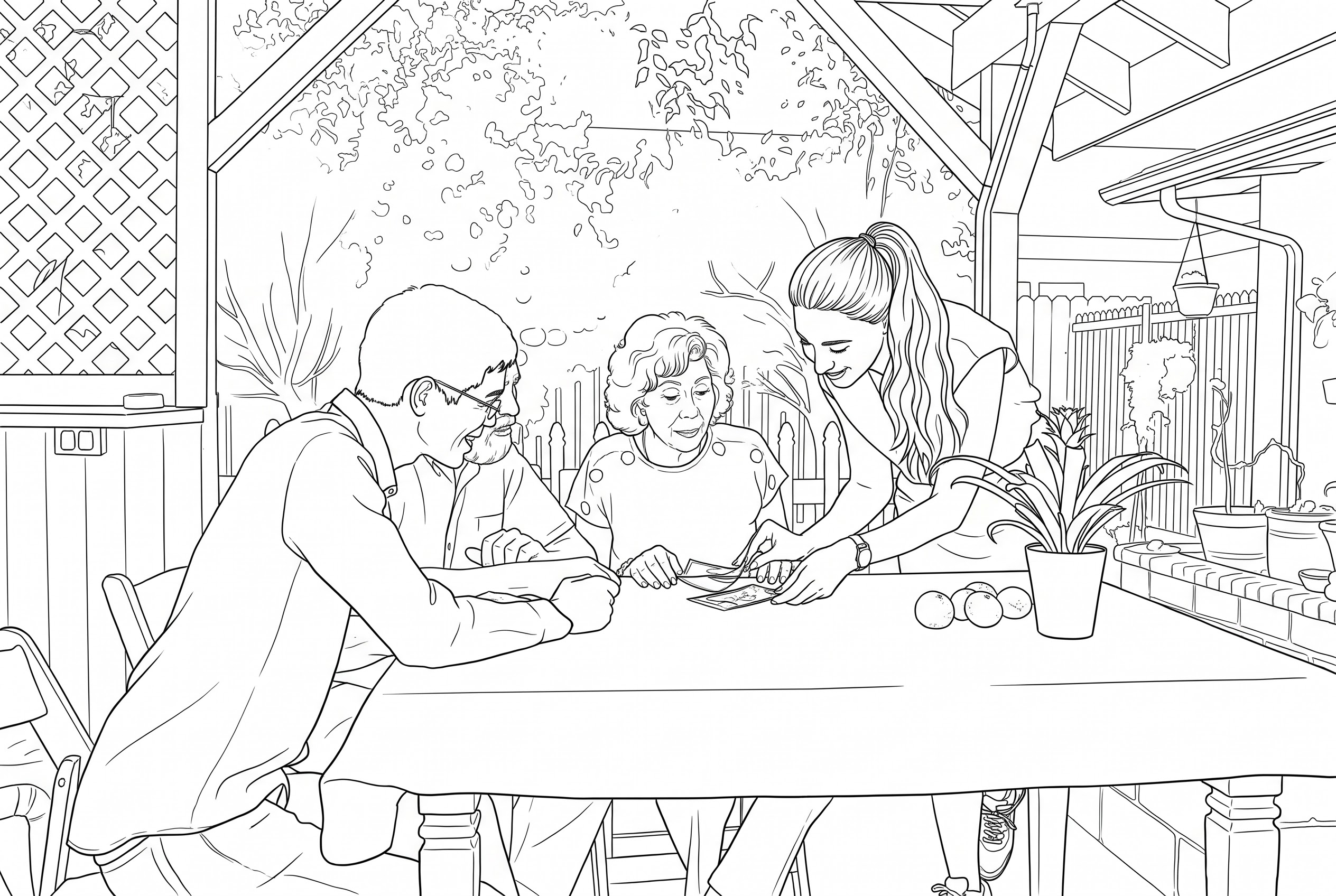
The AI simplified the foliage but kept the lattice, beams and table objects. The overlapping faces and hands stayed harder to read, with fine lines close together.
Photo by RDNE Stock project via Pexels.
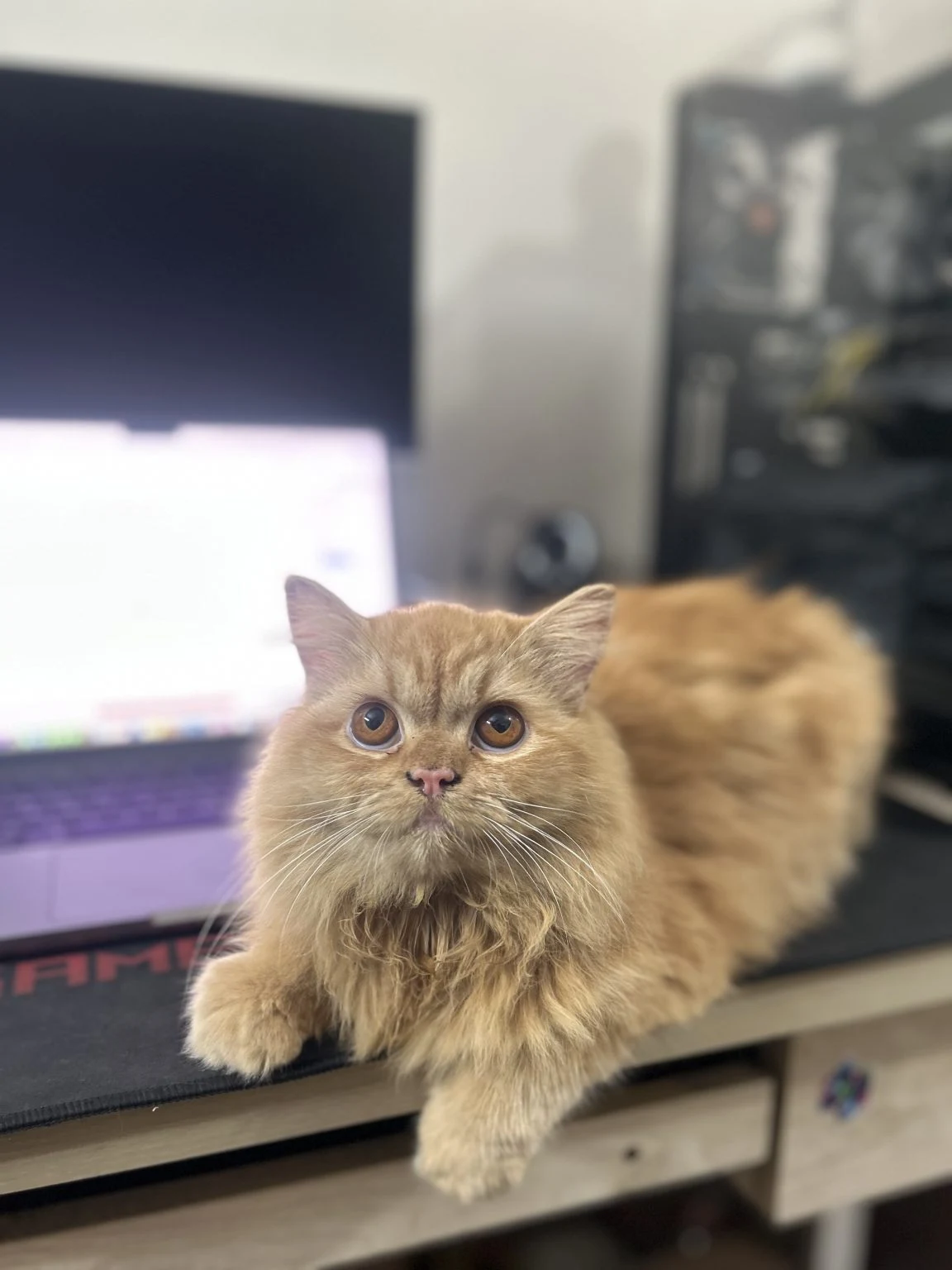
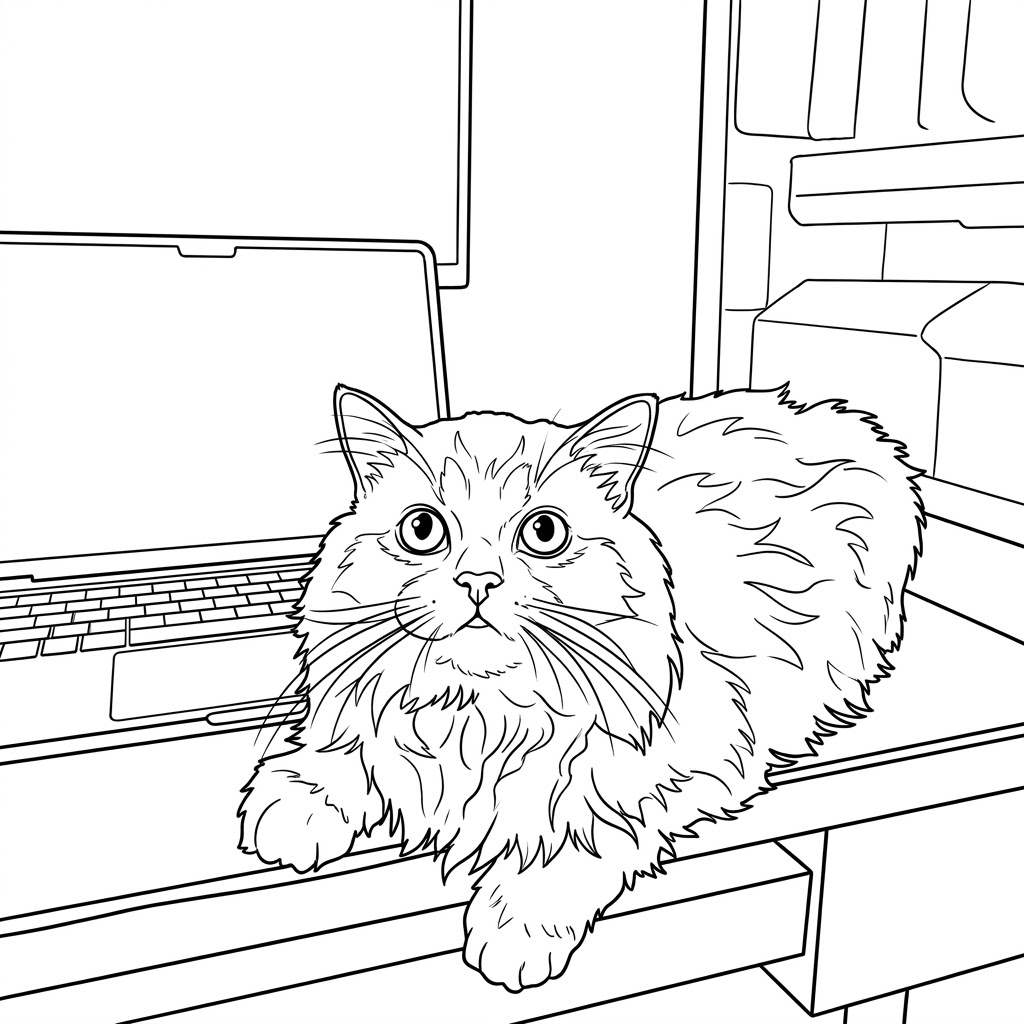
Start with a clear photo and turn a favorite pet, person or place into a page to color.
Saved result from this tool; the separate hand-drawn sample is a printing demo.
Original: FahimMurshed · WordPress Photos · CC0Click “your photo” in the sentence and choose a clear JPG, PNG or WebP.

Edit the outline instructions, choose your settings and check the cost before you generate.
Try the controls ↑Check your coloring page, then download the A4 or US Letter PDF.
Print details ↓One page, 12 mm margins and the full image at its existing resolution, with no extra credits for PDF export.
Review AI details before printing, save files within seven days and recover an unknown request instead of submitting again.
A4: 210 × 297 mm; US Letter: 8.5 × 11 in; choose the same paper size in your printer and check the preview.
Credit packs for occasional projects. Subscriptions for regular use.
$9.00 / month
$9.00 billed monthly · Automatically renews monthly
1K · 3 credits / image
$19.00 / month
$19.00 billed monthly · Automatically renews monthly
1K · 3 credits / image
$39.00 / month
$39.00 billed monthly · Automatically renews monthly
1K · 3 credits / image
For a family photo, start with faces that are well lit, in focus and easy to see. Check hands, glasses and any overlapping faces in the result. Upload a JPG, PNG or WebP up to 10 MB.
Choose clean, bold or fine outlines and a white or simple background in the prompt.
Use the free 1K option without signing in when your one-image daily allowance is available. Higher resolutions require credits. PDF export uses no extra credits, and the example PDFs can be downloaded free without an account.
Download an A4 or US Letter PDF below your result and select the same paper size when printing.
ImageFX Pro processes your original in memory and sends it through ImgAPI to the model provider. We keep generated files for up to seven days. Provider retention depends on their own policies. Use a photo you have permission to upload, especially if it includes children. Privacy policy.